
Set up the room for comfort before choosing the movie
Best choice: use the room your family already likes, then improve comfort, lighting, and access to snacks. A special movie night does not need a new sofa, a huge screen, or a living room makeover. It needs fewer interruptions and a clear place for everyone to settle.
Start with sight lines and seating
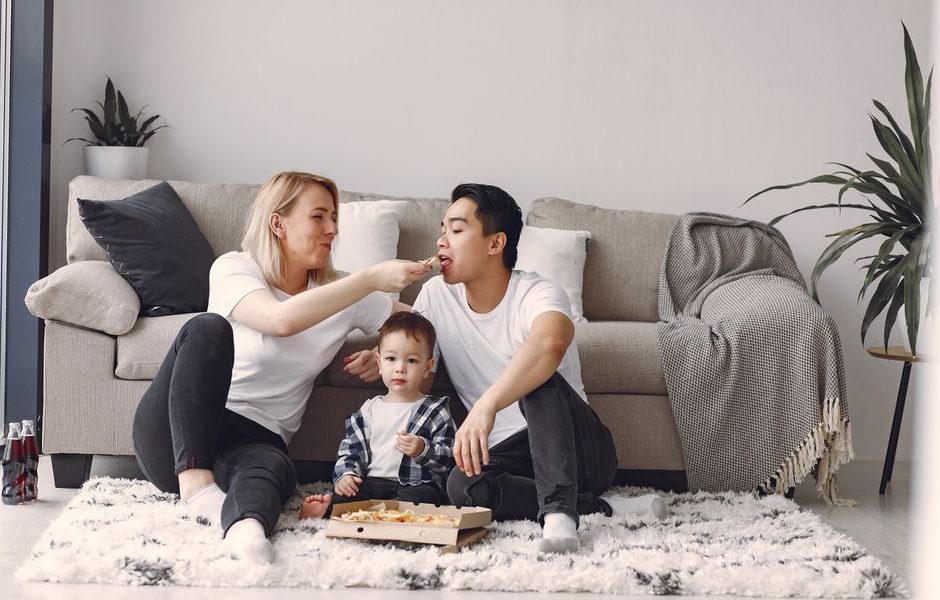
Move chairs, floor cushions, and blankets before the movie begins. Every child should see the center of the screen without leaning around another person. Keep the youngest viewers closest to the screen only if they can sit safely and still look slightly upward rather than bending their necks. Adults can use the sofa or a dining chair behind the floor seating.
Leave a walking path from the door to the kitchen. This small detail prevents people from stepping over legs during the film. Put water bottles on one side of the room and napkins on the other so children can reach what they need without passing bowls across the entire sofa.
Use light to make the room feel warm
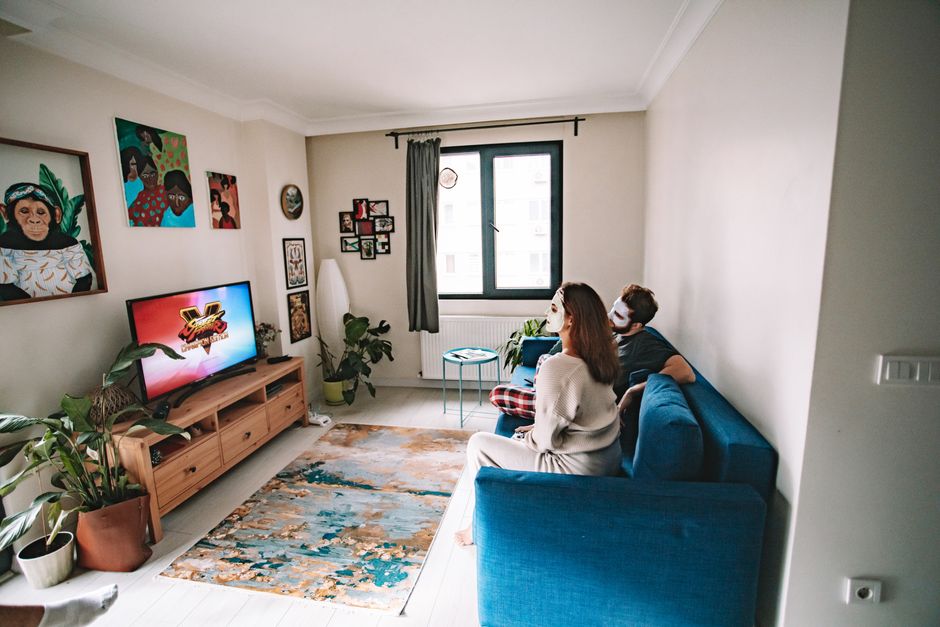
Turn off ceiling lights, but do not make the room completely dark if young children are present. A lamp behind the seating area gives enough light to find a dropped toy or walk to the bathroom without creating glare on the screen. Close curtains if streetlights reflect on the television. If you use a projector, test the picture with the room lights in their final position before guests arrive.
Choose one visual detail that signals the evening is different from a normal night. It could be matching blankets, paper tickets on the coffee table, or a small sign that says “Tonight’s Cinema.” One detail feels intentional. Ten decorations feel like another job.
Build a simple movie-night schedule children can follow
Give the evening a start time, a short snack activity, one film, and a clear ending. Children enjoy the feeling of an event, but they do not need a packed entertainment program. The strongest plan leaves enough empty space for chatting, choosing seats, and laughing at the same silly moment.
Use this four-step plan
- Choose the film by 4 p.m. Pick two suitable options and let the children vote. Set a time limit of five minutes so the decision does not swallow the evening.
- Prepare the room 30 minutes before start time. Put out blankets, fill water cups, arrange pillows, and place the remote where an adult can reach it.
- Add one hands-on activity. Let children make paper tickets, design a character mask, or create a one-question prediction card. Keep it to 10 or 15 minutes.
- Schedule one planned pause. Pause halfway through the film for a bathroom break, fresh water, and a quick stretch. A planned break works better than waiting until everyone starts talking over the movie.
Give every child one useful job
Jobs prevent the youngest guests from feeling like passive viewers. One child can count cups, another can hand out napkins, and an older child can check that the volume feels comfortable. Make the jobs small and finishable. “Set the whole table” is vague; “put six napkins beside the bowl” gives a clear win.
Keep the film length realistic. For children under seven, a 75-to-95-minute movie often works better than a two-hour feature. Older children can handle a longer film when the story has a natural midpoint. If bedtime matters, start earlier instead of hoping everyone will stay cheerful after the credits.
Plan the snacks with a timed menu, not a crowded table
My strongest food recommendation is to serve one warm snack, one fresh option, and one small dessert. A table packed with food looks festive for five minutes, then creates spills, sticky hands, and half-eaten leftovers. Set out only what people can comfortably eat during the selected film.
Use this family movie-night schedule
| Time | What to serve | Preparation |
|---|---|---|
| 6:00 p.m. | Water, apple slices, and cucumber sticks | Wash and cut before guests sit down |
| 6:15 p.m. | Popcorn with two toppings | Prepare about 1 cup per person |
| 6:30 p.m. | Mini sandwiches or pizza squares | Serve on individual plates |
| 7:20 p.m. | Ten-minute stretch and refill break | Clear empty cups and add water |
| 8:10 p.m. | Fruit skewers or two small cookies per child | Serve after the credits |
Make the food easy to hold
Use bowls with low sides and cups that do not tip easily. For younger children, skip loose sauces and foods with hard pieces. Put toppings in small dishes rather than asking everyone to reach into one large bowl. Good popcorn toppings include cinnamon sugar, grated parmesan, or a small pinch of smoked paprika. Offer plain popcorn too, since strong flavors can turn into a negotiation.
Prepare the warm food before the movie begins. The goal is to watch together, not send one adult into the kitchen every 15 minutes. If you serve pizza, cut each slice into two or three small squares. If you serve sandwiches, remove messy fillings that drip onto blankets.
Keep a small cleanup kit nearby: paper towels, wet cloths, a trash bag, and a bowl for unfinished food. This costs almost nothing and keeps one spill from ending the mood.
Buy only the upgrades that remove a real annoyance
My verdict: spend money on sound, lighting, or snack speed only when one of those problems already bothers your family. A new gadget cannot repair a poor movie choice or a late bedtime. For most homes, the best upgrade is a small one that removes a repeated interruption.
Best screen upgrade for a living room: Amazon Fire TV Stick 4K Max
The Amazon Fire TV Stick 4K Max, usually budgeted at $59.99, is a practical choice when your television is slow, its built-in apps are cluttered, or switching between streaming services takes too long. The second-generation model includes 16GB of storage and Wi-Fi 6E support. Use it when the main problem is finding and starting a film quickly.
Do not buy it if your current television already opens your streaming apps without delays. The stick will not improve a weak internet connection, and it will not make an older television display true 4K quality if the panel cannot show it.
Best projector for a special outdoor-style feeling indoors: Anker Nebula Capsule 3 Laser
The Anker Nebula Capsule 3 Laser is the premium pick for families that want a portable cinema setup. It displays a 1080p image, produces 300 ANSI lumens, and offers up to 2.5 hours of video playback on its battery. A typical planning price is about $799.99. Use it on a plain white wall in a room that can become fairly dark.
Skip this purchase for a bright living room, a family with very young children, or anyone who dislikes setup time. A television gives a brighter, sharper image with fewer adjustments. The projector earns its cost only when the shared setup feels like part of the occasion.
Best low-cost food upgrade: Dash Mini Waffle Maker
The Dash Mini Waffle Maker costs about $19.99, uses 350 watts, and makes four-inch waffles. It gives children a short activity before the film starts, and the small size keeps portions manageable. Prepare the batter ahead of time, cook the waffles before the opening credits, and serve them with sliced bananas instead of a large bowl of syrup.
For lighting, the Govee RGBIC LED Strip Light M1 in the 16.4-foot version is a useful choice at roughly $49.99. Set it to a warm amber color at low brightness behind the television or along a shelf. Avoid fast color changes; they distract from the screen and can make the room feel more like a party than a cozy cinema.
Fix the common problems before they spoil the evening
A family movie night usually fails for ordinary reasons: the movie is too long, the room is too hot, or nobody knows where the snacks are. Solve those details before the opening scene and the evening feels much more polished.
What if nobody agrees on the movie?
Choose two films in advance and let the children vote. If the vote ties, choose the shorter film or alternate who gets first choice each week. Avoid scrolling through every service after everyone has taken a seat. The browsing screen quickly becomes the real entertainment.
What if the children lose interest halfway through?
Check the runtime and story pace before movie night. For younger children, pick a film with a clear goal, bright visual changes, and a runtime below 100 minutes. Keep a quiet backup activity nearby, such as coloring pages connected to the film. Do not turn it into a second full event; the backup exists for one child who needs a short reset.
What if the room becomes messy or noisy?
Set three rules before pressing play: food stays over the table, feet stay off the screen furniture, and questions wait for the planned pause unless someone is confused or uncomfortable. Use washable blankets and keep one trash bowl beside the snacks. If the room still feels chaotic, reduce the menu next time instead of adding more storage containers.
For families with toddlers, a daytime film with soft lighting may work better than a late evening screening. For families with older children, invite them to choose the snack theme or create a short trivia question for the credits. The best movie-night tradition will change as children grow, but the winning formula stays simple: a comfortable room, one shared story, and enough structure to let everyone relax.